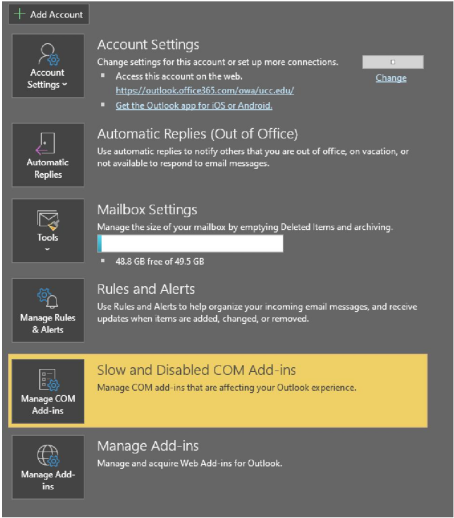
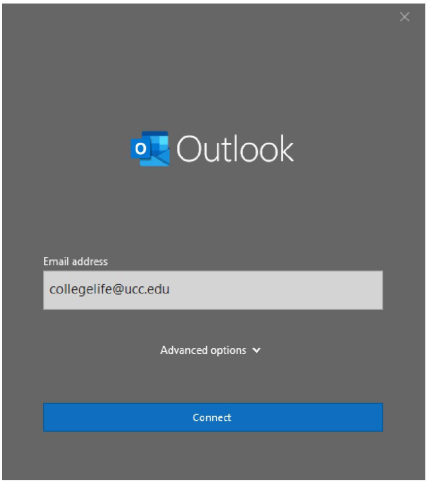
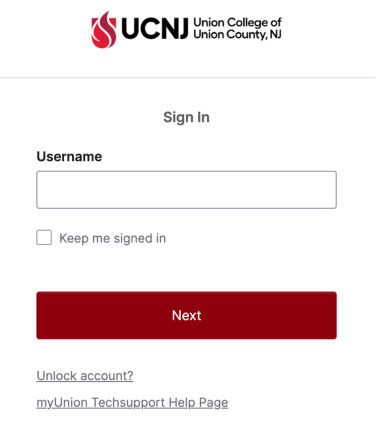
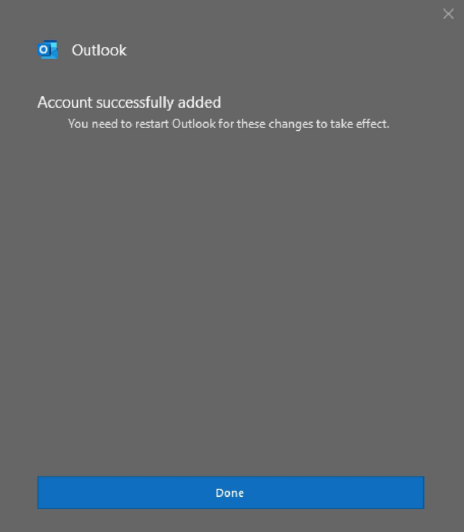
Adding Email Accounts to Outlook Open Outlook and click the File tab Click on Add Account Enter the email account you want to add Click on Connect Verify Click on Done. Close Outlook and reopen. You should now see the added mailbox at the bottom of your Folder Pane.