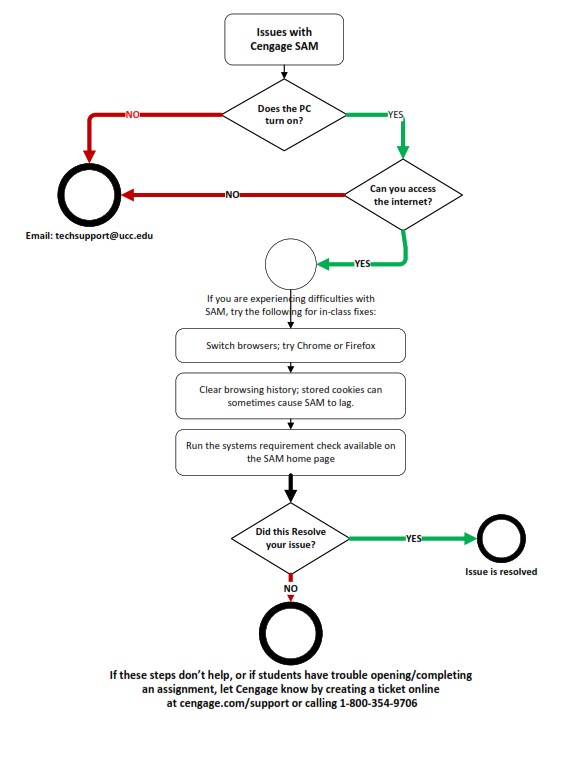
Cengage Troubleshooting Guide Does the PC turn on? YES NO (email techsupport@ucc.edu) Can you access the internet? YES NO (email techsupport@ucc.edu) If you are experiencing difficulties with SAM, try the following for in-class fixes. Switch browsers; try Chrome or Firefox. Clear browsing history; stored cookies can sometimes cause SAM to lag. Run the systems requirement check available on the SAM home page Did this resolve your issue? YES – Issue is Resolved NO If these steps don’t help, or if students have trouble opening/completing an assignment let Cengage know by creating a ticket online at Cengage Support or calling 1‐800‐354‐9706